Anchorleaf
Anchorleaf is a free, ad-free, privacy-first DBT companion for people navigating BPD and emotional dysregulation. No account. No tracking. All journal data stays on your device.
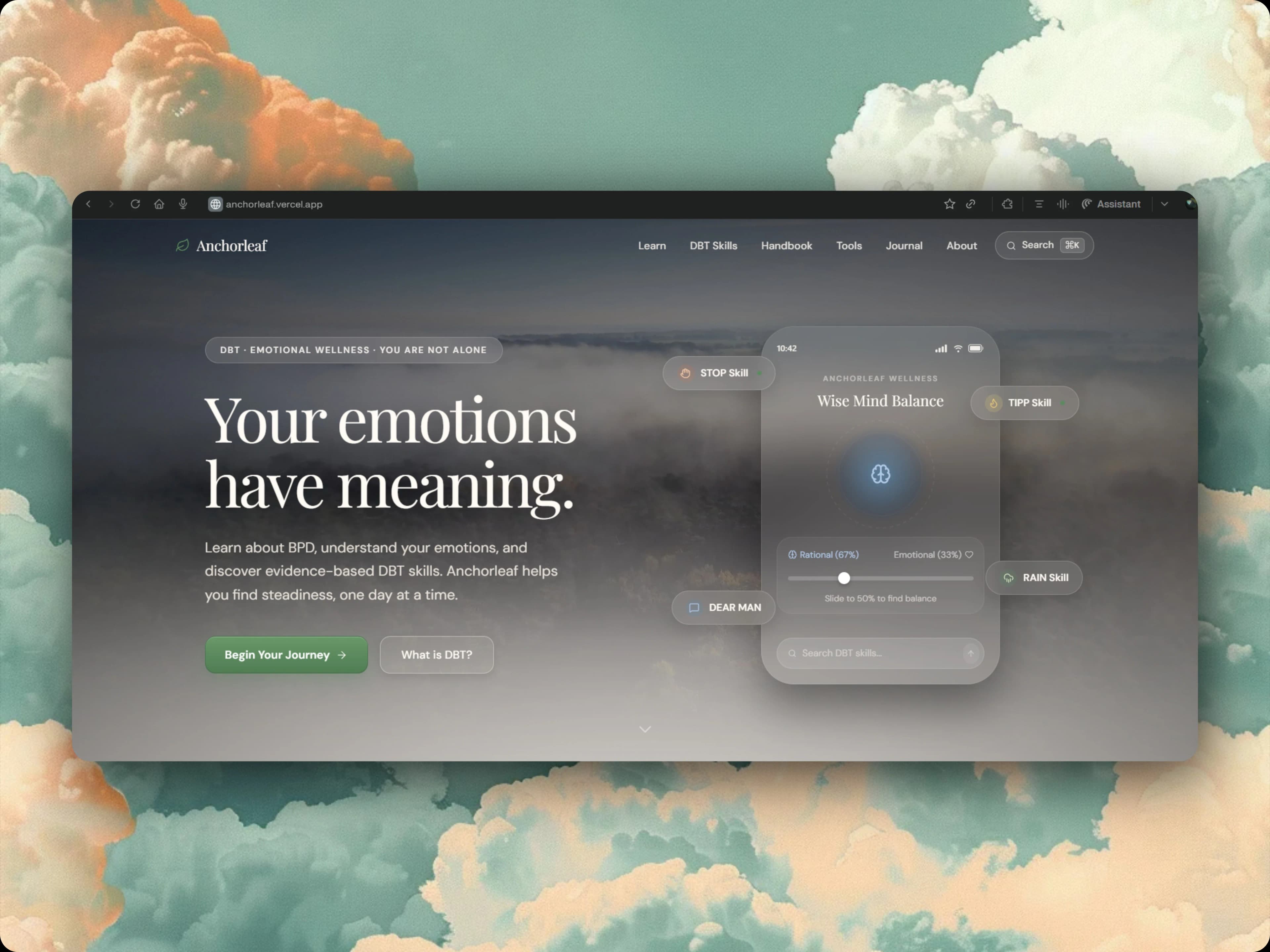
The Design Problem
DBT content has a structure problem. The curriculum is organised into four pillars: Mindfulness, Distress Tolerance, Emotion Regulation, and Interpersonal Effectiveness, each with dozens of named skills, sub-skills, and worksheets. Presenting all of it is overwhelming. Presenting only part of it is incomplete. The solution was entry-point design: instead of forcing users to navigate the full curriculum, the homepage asks "what brought you here today?" and offers four doors (crisis right now, want to understand BPD, want to learn skills, want the full handbook). Each door routes to a different depth of content. Someone who is overwhelmed gets the crisis toolkit immediately. Someone who wants to study gets the handbook. The same content serves both without either feeling wrong.
Built using Next.js, React, Tailwind CSS, Framer Motion, TypeScript
Technical Decisions
Why localStorage instead of a backend?
The privacy argument is primary: journal entries about emotional dysregulation, crisis moments, and mental health are among the most sensitive data a person can generate. Storing them on a server creates a liability, a point of failure, and a trust question. localStorage removes all three. The tradeoff is no cross-device sync and no backup, which I call out explicitly in the journal UI so users know to export if they want persistence.
Why no gamification on the progress tracker?
Streaks and points create pressure that's actively counterproductive for the Anchorleaf audience. Someone with BPD who misses a day and sees a broken streak has just been handed a reason to feel bad about using a mental health tool. The progress tracker shows "You've explored 8 of 40 skills." That's it. No streak counter. No points. No notifications. Progress without pressure.
Why a command palette (⌘K)?
A user who has been practicing DBT for six months knows exactly what skill they need. Making them navigate Mindfulness → Observe → WHAT skill is friction. The command palette gives experienced users a two-keystroke path to any skill, handbook section, or tool. It's not a power-user feature; for returning users it becomes the primary navigation.
Key Decisions & Outcomes
- All journal entries and progress data stored exclusively in localStorage, meaning there is no backend, no account, and no data ever leaves the device
- Crisis toolkit is accessible in one tap from any page, designed for the moments when navigating a menu is too much to ask
- Covers all four DBT pillars (Mindfulness, Distress Tolerance, Emotion Regulation, Interpersonal Effectiveness) with interactive skill exercises, not just text descriptions
- Built the command palette (⌘K) so users who know what skill they need can reach it in two keystrokes instead of navigating the full curriculum
If you're curious, feel free to explore: